
Affiliate Regional Music Festival Coordinator Information
DocuSign Agreement
You’ve received a document via DocuSign that requires your signature. Please review the following instructions carefully:
- Entering Your Own Information: Be sure to manually enter the correct information in the designated fields of the document. Music for All does not manually input any names into the agreement.
- Autofill Issues: If the document is auto-filling with incorrect or outdated information, please contact Samantha Faircloth ([email protected])
- Changes to Agreement Language: If any part of the agreement’s wording needs to be updated, you must reach out to Ben Zolkower ([email protected]) and Samantha Faircloth for approval.
- Changing the Signer: If you are not the correct person to sign the document, you can assign the signing responsibility to someone else by following these steps:
- Open the envelope in DocuSign.
- Go to Other Actions and select Assign to Someone Else.
- Enter the new signer’s name and email address.
- Provide a brief reason for the change.
- Click Assign to Someone Else.
Pre-Event Info Form
After signing and returning your agreement, please complete this pre-event info form:
https://musicforall.tfaforms.net/5113281
If details regarding your event have changed after filling out this form, please reach out to Laura Bottei ([email protected])
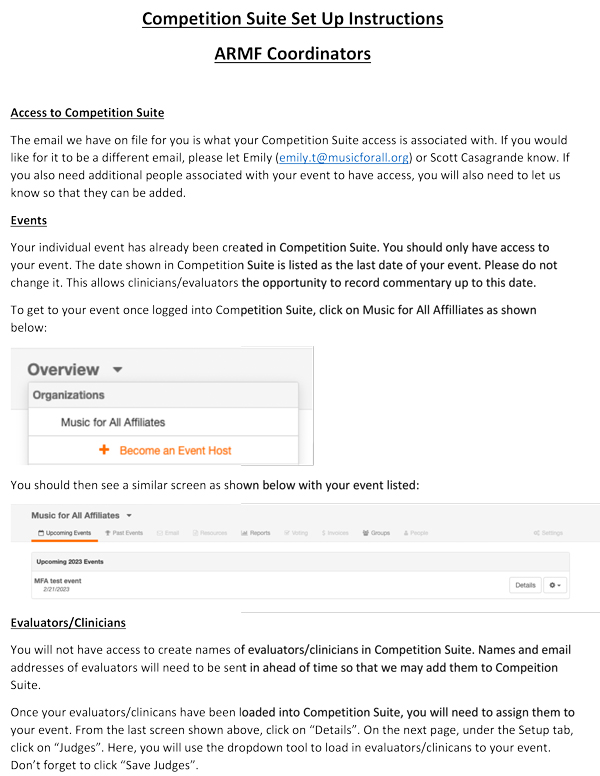
Competition Suite
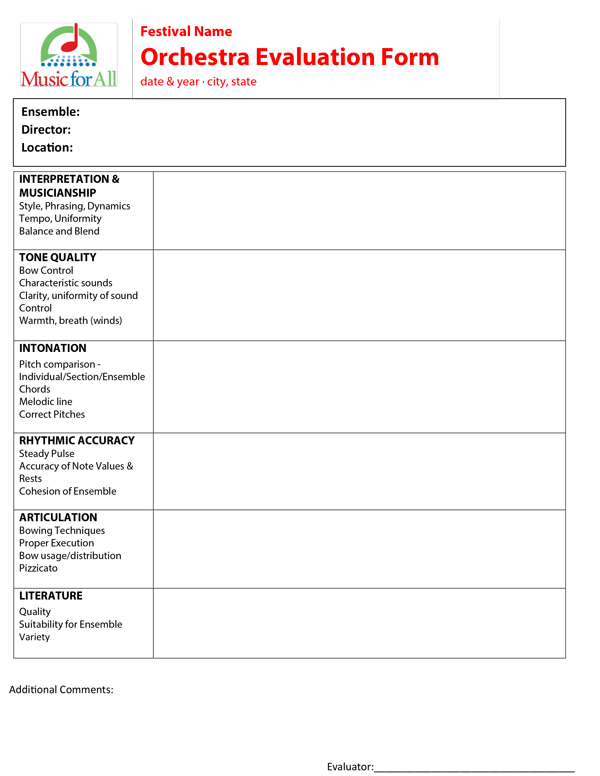
If you plan to use CompetitionSuite for your event, please notify Laura Bottei ([email protected]) by Friday, February 13.
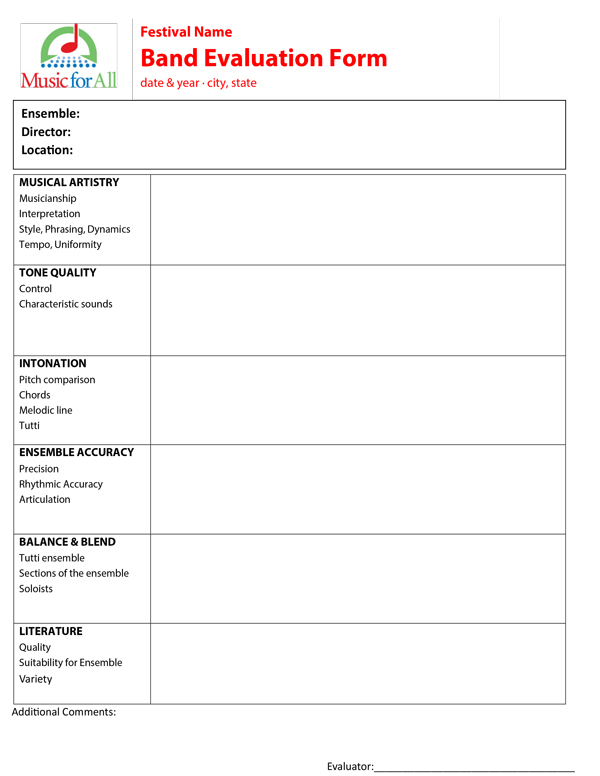
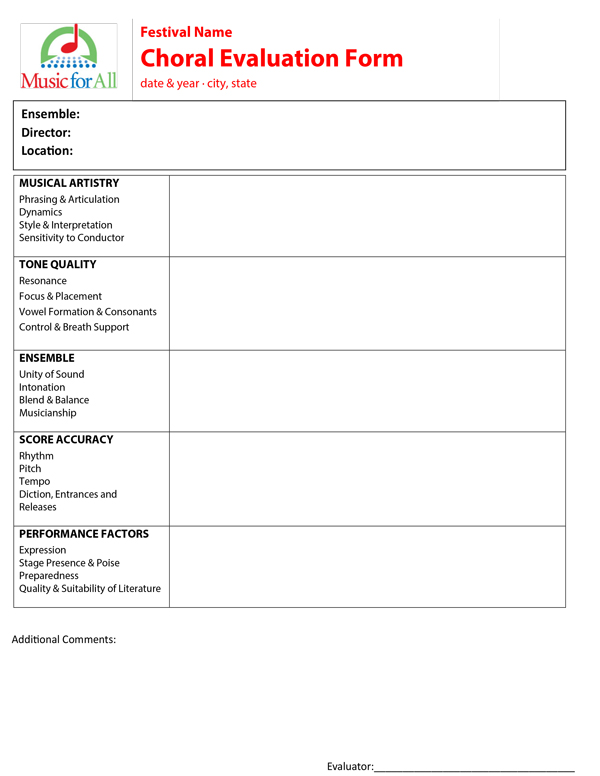
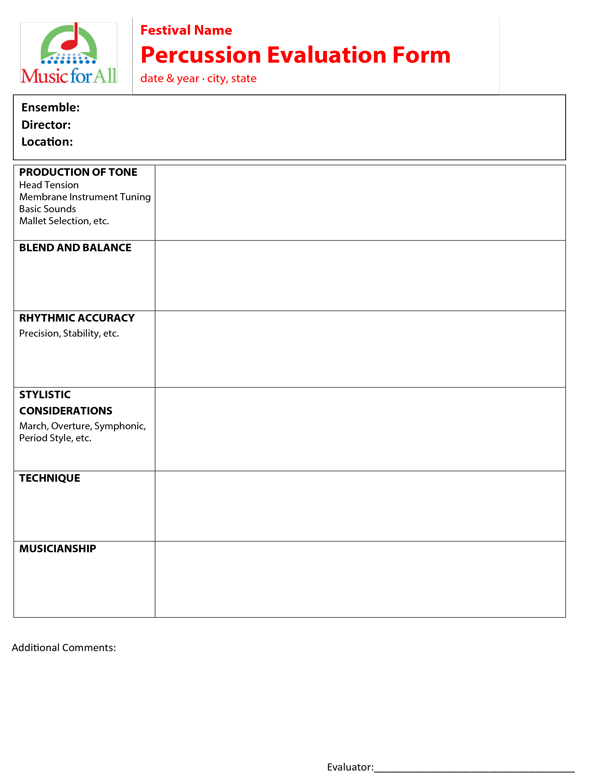
CompetitionSuite digitizes and streamlines recorded commentary, making both festival-day logistics and post-event tasks significantly easier. The cost is $100 per event (billed afterward). This is an at-cost service; Music for All does not benefit financially.
If you choose to use CompetitionSuite, you must send Laura the following no later than two weeks before your event:
- Names and emails of individuals who need back-end access
- Names and emails of your evaluators
Music for All will set up your event in CompetitionSuite and grant access to the contacts you provide.
Please refer to the “CompetitionSuite Instructions” document on this page for guidance on completing the remaining setup. A set of help videos and additional support links are also included.
Note: Music for All may be able to offer limited support prior to your event but will not be able to provide support on the event day itself.
Again, MFA does not benefit financially from CompetitionSuite—we simply believe it improves the festival experience.